Component Units
Overview
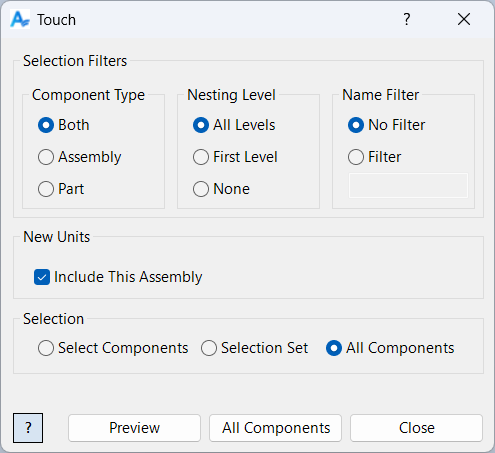
Component Units is a command for setting the units of measurement in selected components within your Inventor assembly. It updates the document units and all user parameter units to the selected unit (such as millimeters, inches, etc.) for all selected components, and optionally for the current assembly. This ensures consistency in measurement units across your project and simplifies parameter management.
Units can be updated for individual components, all components, or just the assembly, making it a flexible tool for standardizing units in complex designs.
Samples
Sample files are located in C:\ProgramData\Autodesk\ApplicationPlugins\ArpaFlow.AssemblyTools.Core.Bundle\Samples. See Samples Summary
In the sample below, all components within the active assembly—including the assembly itself—are updated to use millimeter (mm) units. This update applies globally, modifying each component’s default unit setting and converting all length unit parameters to default to millimeters. The result is a consistent unit system across the entire assembly, ensuring uniformity in measurements, calculations, and parameter definitions.
Note that this operation does not change the expression value of the parameters—only the units, which in turn affects the nominal value. For example, if a parameter has an expression of "12 in" and the units are set to inches, the nominal value will be 12. After updating the units to millimeters, the expression remains "12 in," but the nominal value becomes 304.8.